How to Make an Effective PowerPoint Presentation (Detailed Guide)
An effective PowerPoint presentation is clear, visually appealing, well-organized, and engaging for the audience. It should support your speech, not replace it. The following guide explains each step in detail.
1. Plan Before Creating Slides
Before opening PowerPoint, prepare the content.
Steps:
Define your objective – What should the audience learn or understand?
Know your audience – Students, professionals, or general public.
Outline key points – Introduction, main ideas, conclusion.
Limit content – Focus on essential points only.
Tip: Write the main headings first, then create slides based on them.
2. Structure of an Effective Presentation
A good presentation usually follows this format:
Title Slide
Topic name
Presenter name
Date / Institution
Introduction
Background of the topic
Purpose of presentation
Main Content
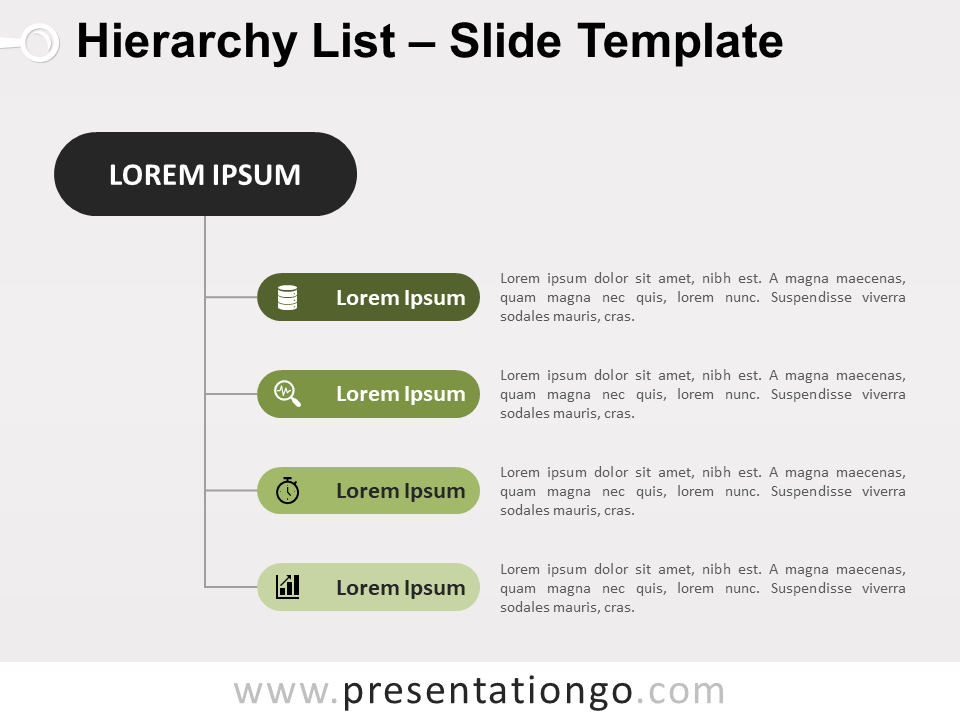
Divide into clear sections
Use headings and subpoints
Conclusion
Summary of key points
Final message
References / Acknowledgement (if needed)
3. Design Principles for Slides
Important design rules:
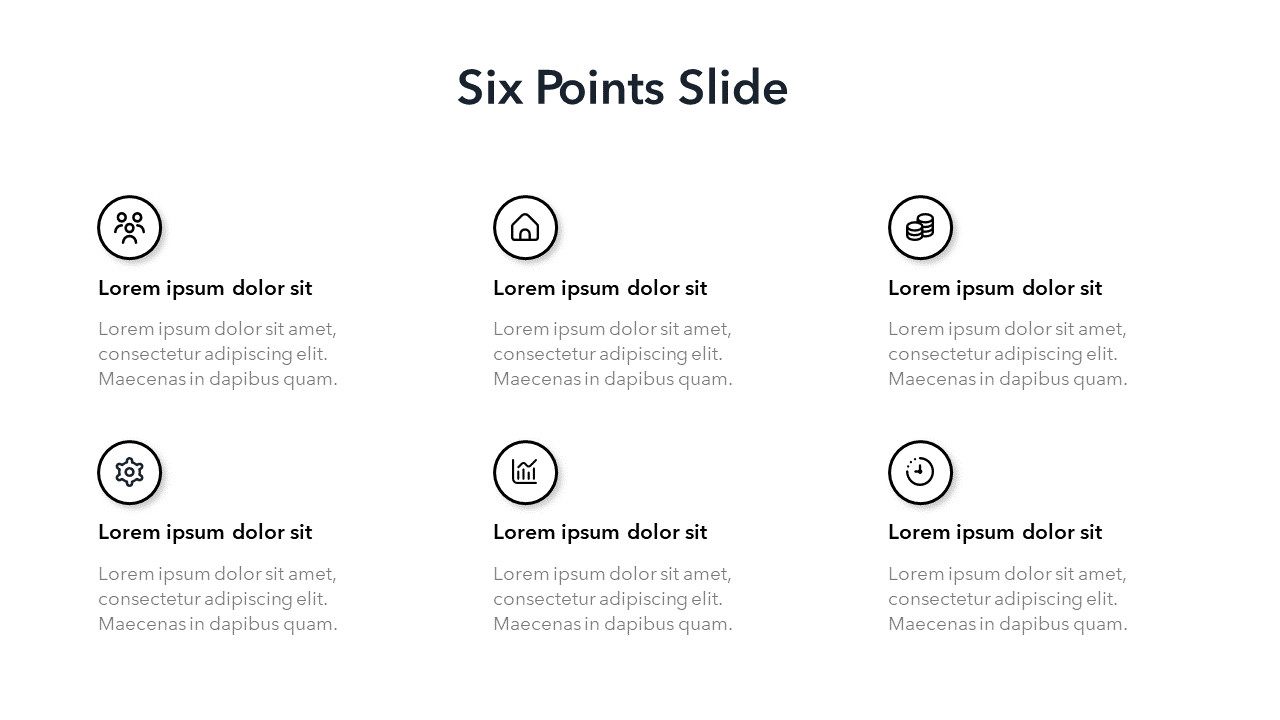
a) Keep Slides Simple
Use 6–8 lines per slide
Avoid long paragraphs
Use bullet points
b) Font and Text
Use clear fonts (Arial, Calibri, Times New Roman)
Title: 32–40 pt
Content: 20–28 pt
Avoid too many font styles
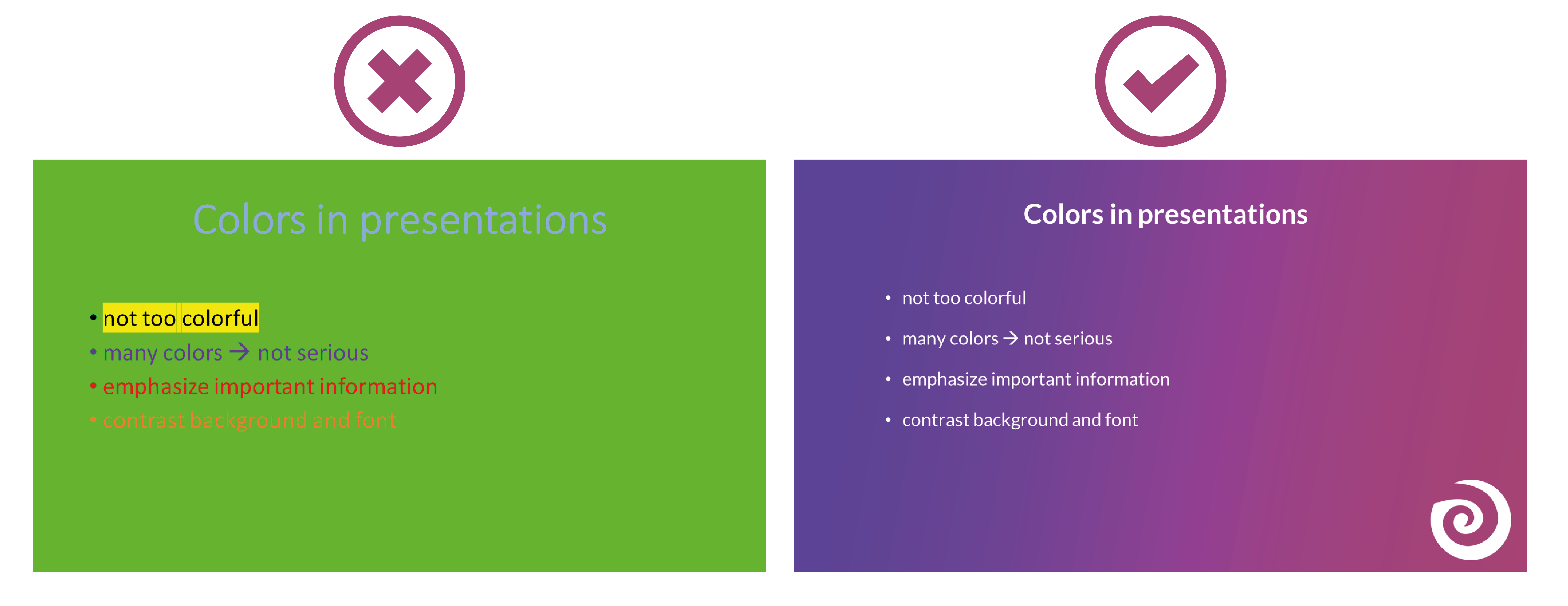
c) Color and Contrast
Dark text on light background or vice versa
Avoid bright or clashing colors
d) Consistency
Use the same theme, font, and layout throughout
4. Use Visuals Effectively
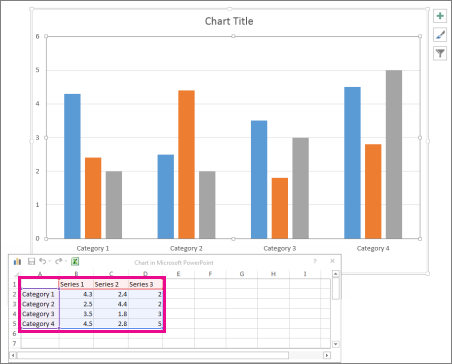

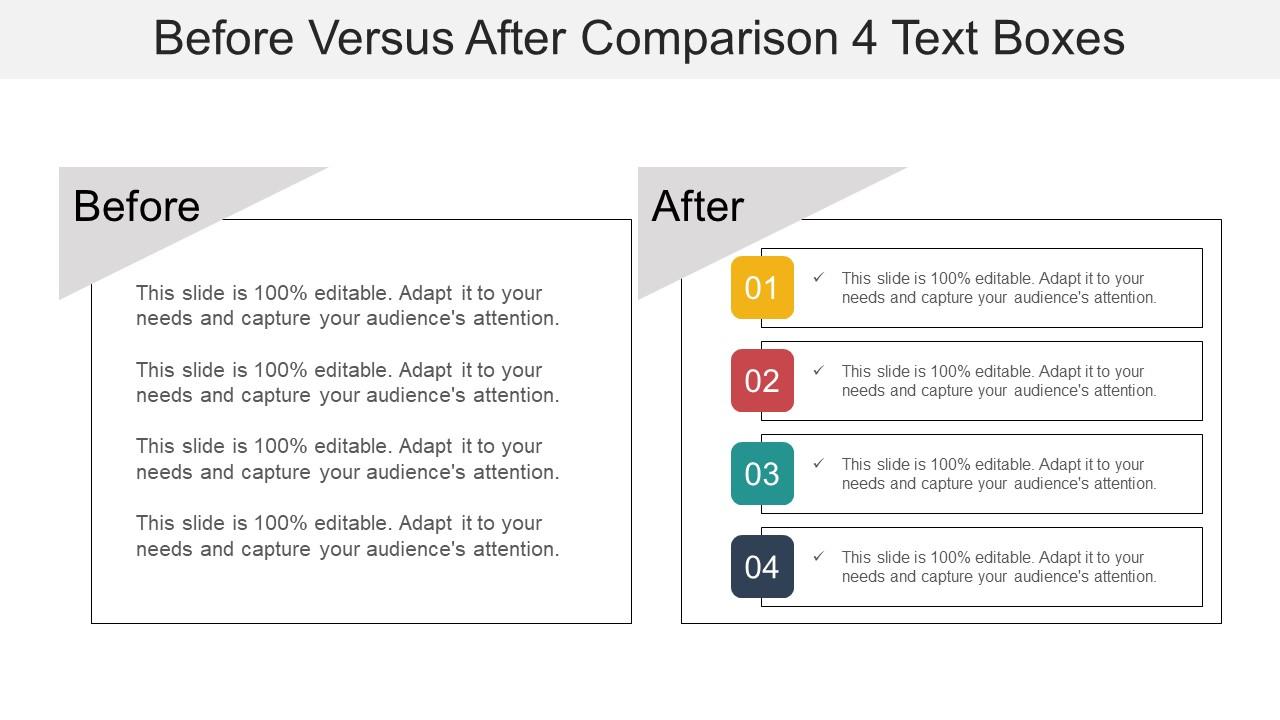
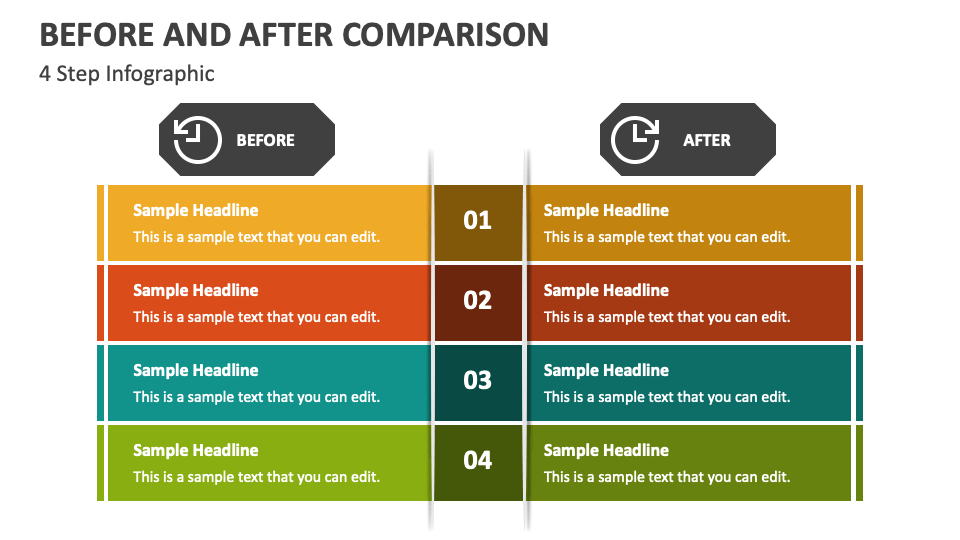
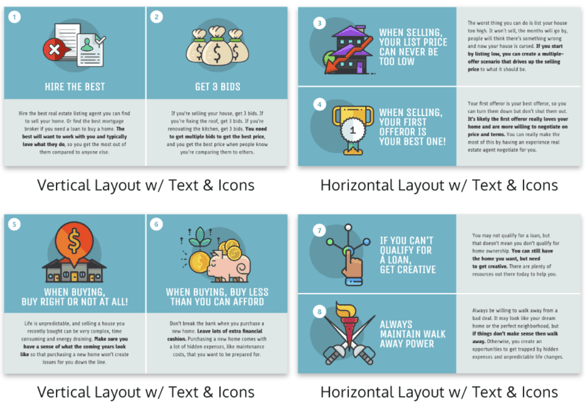
Visuals help understanding and keep the audience engaged.
Use:
Images
Charts and graphs
Diagrams
Icons
Avoid:
Overcrowded slides
Unrelated images
Tip: One strong image is better than many small ones.
5. Writing Effective Content
Good slide content should be:
Short
Clear
Meaningful
Example:
Instead of:
“Photosynthesis is the process by which green plants prepare food in the presence of sunlight using chlorophyll, water, and carbon dioxide.”
Write:
Photosynthesis
Occurs in green plants
Requires sunlight, water, CO₂
Produces glucose and oxygen
6. Use Animations and Transitions Carefully
Use simple animations (Fade, Appear)
Avoid excessive effects
Do not distract the audience
Rule: Animations should support, not entertain excessively.
7. Presentation Delivery Skills




Even a good slide deck needs good delivery.
Tips:
Maintain eye contact
Speak clearly and slowly
Do not read directly from slides
Use gestures naturally
Practice before presenting
8. Time Management
Allocate time for each section
Avoid too many slides
Rough guide: 1 slide = 1 minute
9. Common Mistakes to Avoid
Too much text
Small fonts
Poor color contrast
Overuse of animations
Reading slides word-for-word
10. Final Checklist Before Presenting
✔ Spelling and grammar checked
✔ Slides readable from distance
✔ Images clear and relevant
✔ Slides arranged logically
✔ Presentation practiced
Short Formula for an Effective Presentation
Clear Content + Simple Design + Good Visuals + Confident Delivery = Effective Presentation
If you want, I can also give a ready-made template structure for a seminar or chemistry presentation (useful for college presentations).

No comments:
Post a Comment